
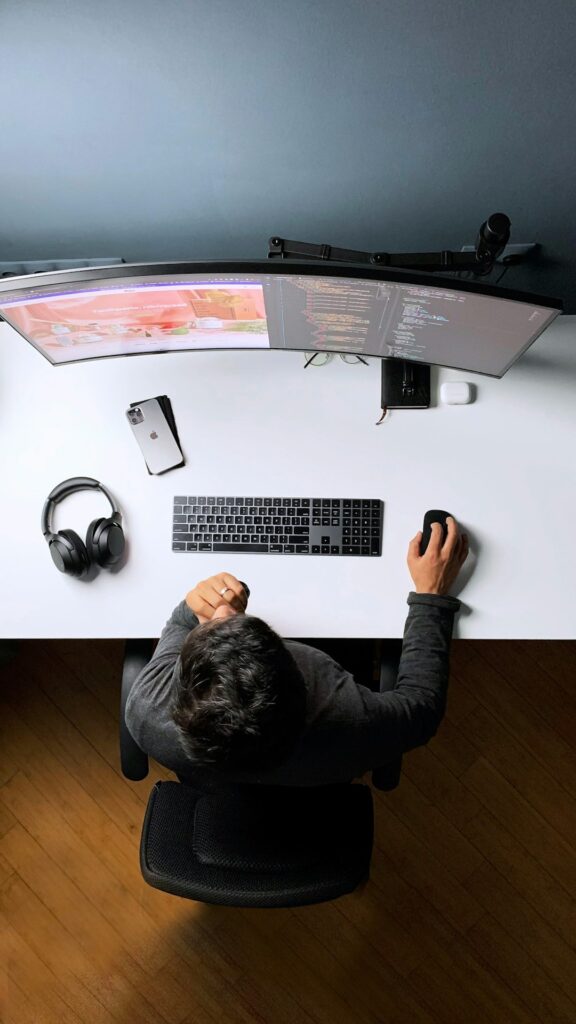
Desk work can look easy on the body, but long periods of sitting, reaching, typing, and looking down may gradually strain the neck, shoulders, back, wrists, and hips. These problems often develop slowly, making early warning signs easy to dismiss.
For residents of Rome, NY, desk-related discomfort may be part of a regular office schedule, remote work arrangement, school routine, or household workspace. Understanding how these injuries begin can help people respond before minor soreness becomes a persistent limitation.
What injuries are commonly linked to desk work?
The most common desk-related problems involve muscles, joints, tendons, and irritated nerves. They are usually associated with sustained positions, repetitive movements, or insufficient movement throughout the day.
Common complaints include:
- Neck stiffness, aching, or reduced motion
- Pain between the shoulder blades
- Shoulder tension or discomfort when reaching
- Low back soreness after sitting
- Hip tightness after prolonged sitting
- Wrist or hand pain during typing or mouse use
- Tingling, numbness, or aching into an arm
- Tension-type headaches associated with neck tightness
These symptoms do not always indicate a serious injury. However, recurring discomfort suggests that the body is not tolerating the current combination of posture, workload, equipment, and recovery time.
How does poor workstation setup contribute to pain?
A workstation can encourage strain when the body must remain in an awkward position for hours. The problem is often not one dramatic posture but the repeated exposure to the same position without enough breaks.
Examples include:
- A monitor positioned too low, causing the head to tilt downward
- A keyboard placed too far away, leading to rounded shoulders
- A chair that does not support the lower back
- Feet unable to rest comfortably on the floor
- A mouse positioned far to the side, making the shoulder reach
- A laptop used at desk height without a separate keyboard
- A phone held between the ear and shoulder
The head is relatively heavy, so even a modest forward position can increase the work required from the neck and upper back muscles. Similarly, reaching repeatedly for a keyboard or mouse can keep the shoulders slightly lifted and tense.
A useful workstation principle is to keep frequently used items close enough that the elbows remain near the sides of the body. The screen should generally be high enough to avoid sustained downward bending, while the eyes—not the entire neck—make small adjustments to view the display.
Is sitting itself the cause of desk injuries?
Sitting is not automatically harmful, but sitting still for long periods can contribute to pain and stiffness. The body generally tolerates a variety of positions better than one fixed position maintained continuously.
Even a well-designed chair cannot fully offset several uninterrupted hours of sitting. Muscles become less active, joints remain in limited ranges, and people may gradually slump as concentration or fatigue increases.
Changing position is often more useful than trying to hold a rigid “perfect posture.” A person might alternate between sitting upright, leaning back with support, standing briefly, walking, and performing gentle movement. The goal is to reduce prolonged stress rather than maintain one posture all day.
What early warning signs should not be ignored?
Early symptoms often include tightness that improves after movement, mild soreness near the end of the workday, or stiffness when standing after sitting. These signs may indicate that a workstation or work routine needs adjustment.
Pay closer attention when:
- Pain returns most days
- Symptoms begin earlier during the workday
- Discomfort spreads from the neck or back into an arm or leg
- Tingling or numbness develops
- Grip strength, balance, or coordination changes
- Pain disrupts sleep or normal activities
- Symptoms continue despite reducing the aggravating activity

Pain that travels down an arm or leg may involve nerve irritation rather than simple muscle fatigue. That does not automatically mean a severe condition, but it deserves careful evaluation if it persists, worsens, or is accompanied by weakness.
What can be done during the workday?
Small, consistent changes are usually more practical than a major overhaul. Movement breaks can be brief. Standing to read a message, walking while speaking on the phone, or changing position between tasks can reduce the time spent in one posture.
A basic desk routine may include:
- Looking away from the screen regularly to relax the eyes and neck
- Rolling the shoulders gently without forcing the motion
- Standing and walking for a few minutes at regular intervals
- Moving the wrists and fingers after extended typing
- Adjusting the chair rather than leaning toward the screen
- Keeping both feet supported when seated
- Placing documents near the monitor to reduce repeated neck turning
Stretching should feel mild and controlled. Forceful neck circles, aggressive twisting, or stretching into sharp pain can make symptoms worse. Comfortable movement is generally preferable to trying to “push through” discomfort.
How should a home workstation be adjusted?
Remote workers may spend part of the day at a dining table, kitchen counter, couch, or spare room desk. These arrangements can work temporarily, but improvised setups often place the screen too low or the work surface too high.
A practical home assessment asks:
1. Are the shoulders relaxed while typing?
2. Are the elbows close to the body?
3. Is the screen directly in front rather than off to one side?
4. Can the feet rest securely?
5. Can the lower back remain supported without leaning forward?
6. Is there enough room to change position?
Seasonal routines can also affect symptoms. During colder months, people may spend more time indoors, commute less actively, or work from less suitable temporary spaces. A small home office adjustment may be particularly useful when indoor work hours increase.
When is desk-related pain a medical concern?
Most desk-related soreness is not an emergency, but certain symptoms require prompt medical attention. Seek urgent evaluation for back or neck pain accompanied by new loss of bowel or bladder control, severe or worsening weakness, numbness in the groin area, major balance problems, fever, unexplained weight loss, or pain following a significant fall or impact.
Sudden neurological symptoms—such as facial drooping, difficulty speaking, sudden severe weakness, or sudden loss of coordination—should be treated as an emergency rather than assumed to be a workstation injury.
For less urgent symptoms, an evaluation may be appropriate when pain persists, repeatedly returns, limits work or sleep, or does not improve after reasonable changes in activity and workstation setup. The cause may involve more than posture, including an irritated joint, tendon problem, nerve involvement, arthritis, or another medical condition.
What does recovery usually involve?
Recovery depends on the cause, duration, and severity of the problem. Many mild desk-related injuries improve with activity modification, gradual movement, improved workstation positioning, and adequate sleep. Complete bed rest is generally not helpful for routine back or neck strain.
A balanced approach includes reducing the activity that clearly aggravates symptoms without becoming completely inactive. Light walking and comfortable daily movement can help maintain mobility. If exercises increase radiating pain, numbness, or weakness, they should be stopped until the symptoms are evaluated.
The most useful long-term solution is often a combination of better equipment positioning, regular movement, and earlier attention to recurring symptoms. Desk work should not require ignoring pain until it becomes severe.